Roller Coasters Keyboard1.270.15.118
Publisher Description
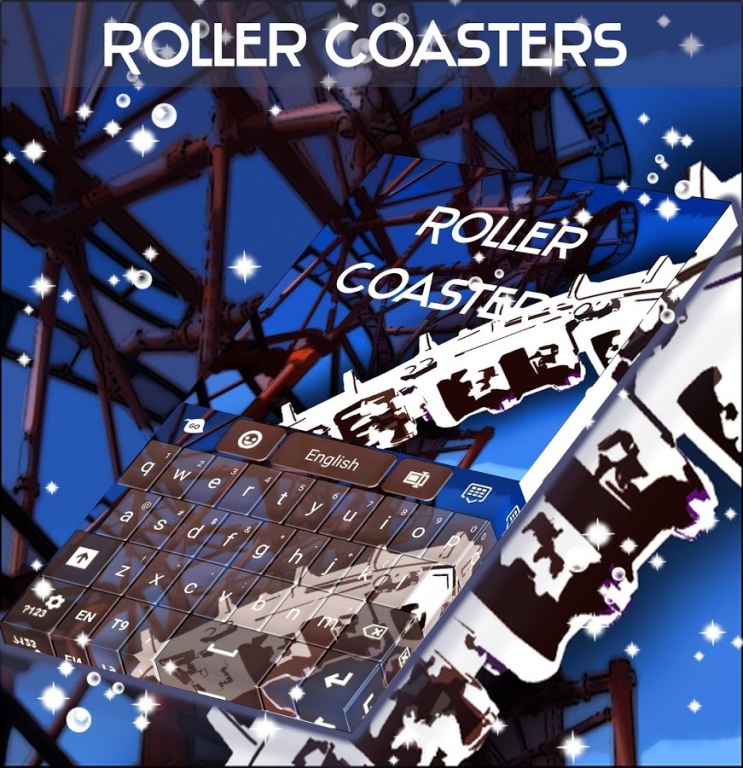
If you like amusement parks, you will definitely appreciate this theme: ROLLER COASTERS KEYBOARD! DOWNLOAD Roller Coasters Keyboard NOW and spin over and over again in our fantasy roller coaster!
- To install, follow the 3 easy steps: open after download, press "Set Active Theme" and select the theme from the following page!
- The incredible HD screenshots we prepared will convince you this is a must download theme!
- This theme uses GO Keyboard, so if you do not have it installed, you will be redirected to a download page!
- For your comfort, the menus for this theme come with 48 different language translations!
If you enjoyed this theme, take the time to RATE and COMMENT after you install! Also, contact us at wedesignthemes@gmail.com with any suggestions or questions you have and keep visiting to check out all our latest surprises!
This theme uses a free font which can be found at http://fontfabric.com/hero-free-font/ and free graphic elements which can be found at http://www.flickr.com/photos/aukirk/9233111519/sizes/l/in/photostream/ and http://www.flickr.com/photos/bensutherland/3901439164/sizes/l/in/photostream/
About Roller Coasters Keyboard
The company that develops Roller Coasters Keyboard is T-Me Design Studio. The latest version released by its developer is 1.270.15.118.
To install Roller Coasters Keyboard on your Android device, just click the green Continue To App button above to start the installation process. The app is listed on our website since 2017-11-16 and was downloaded 14 times. We have already checked if the download link is safe, however for your own protection we recommend that you scan the downloaded app with your antivirus. Your antivirus may detect the Roller Coasters Keyboard as malware as malware if the download link to com.jb.gokeyboard.theme.tmerollercoasterskeyboard is broken.
How to install Roller Coasters Keyboard on your Android device:
- Click on the Continue To App button on our website. This will redirect you to Google Play.
- Once the Roller Coasters Keyboard is shown in the Google Play listing of your Android device, you can start its download and installation. Tap on the Install button located below the search bar and to the right of the app icon.
- A pop-up window with the permissions required by Roller Coasters Keyboard will be shown. Click on Accept to continue the process.
- Roller Coasters Keyboard will be downloaded onto your device, displaying a progress. Once the download completes, the installation will start and you'll get a notification after the installation is finished.
Program Details
System requirements
Download information
Pricing
Version History
version 1.270.15.118
posted on 2017-11-16
More HQ designs & performance improvements. Added more themes you'll love!
version 4.172.106.72
posted on 2016-11-03
Fixed crash on some devices.
